
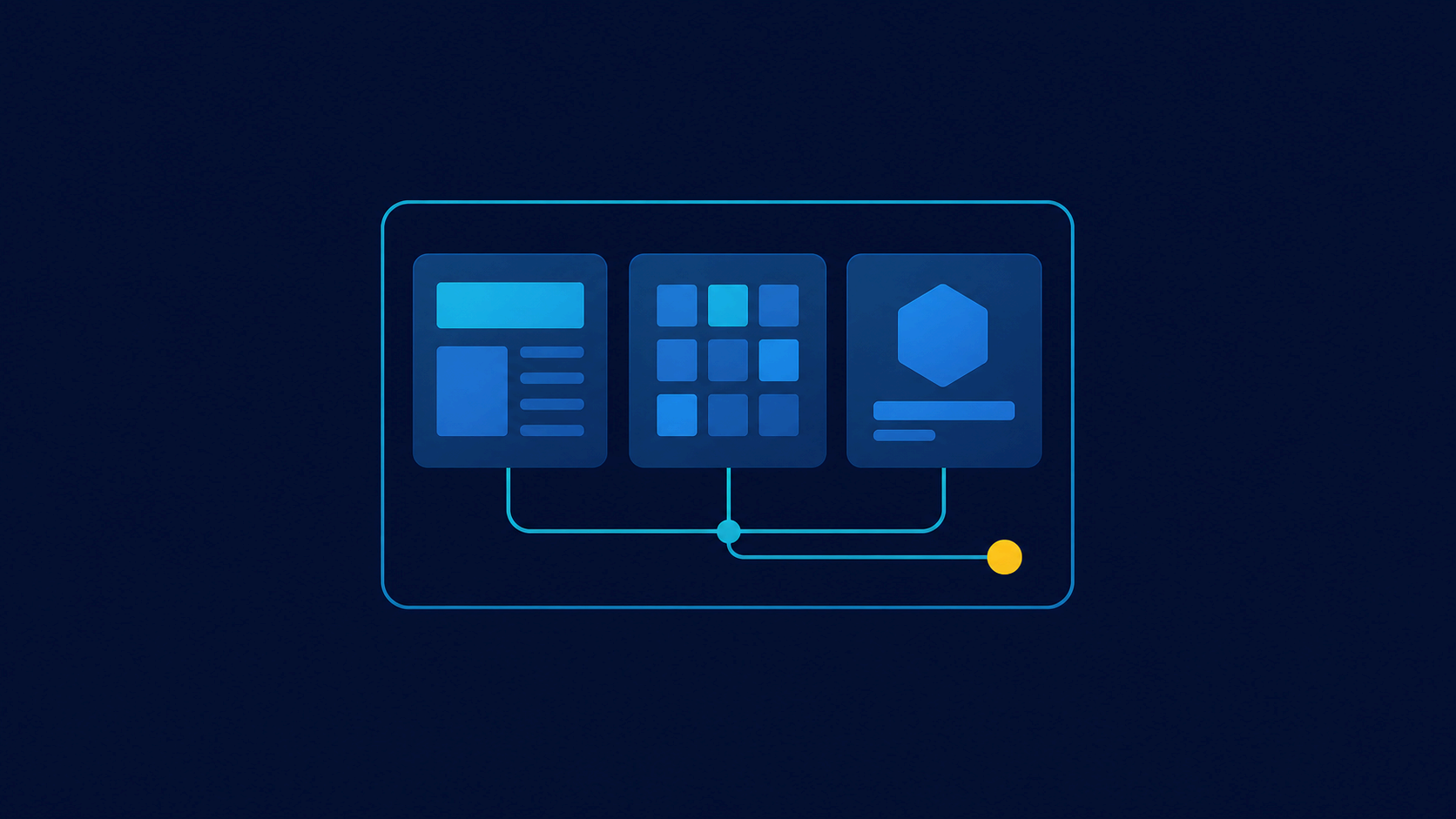
Jinja generates HTML and other text formats from templates. Central configuration should control loading, undefined values, and escaping, while business rules remain in Python.
from jinja2 import Environment, FileSystemLoader, StrictUndefined, select_autoescape

env = Environment(
    loader=FileSystemLoader("templates"),
    autoescape=select_autoescape(["html", "xml"]),
    undefined=StrictUndefined,
)
template = env.get_template("product.html")
html = template.render(product={"name": "Python Course"})
StrictUndefined exposes missing variables early. autoescape reduces HTML XSS risk but does not make data safe in every context, such as JavaScript or URLs. Never mark user content safe merely to bypass escaping.
Use inheritance for layouts, include for fragments, and macros for repeated presentation. Keep queries, authorization, and complex transformations outside templates. The Flask guide provides related web context.
The official Jinja documentation, accessed July 22, 2026, covers environments, loaders, escaping, and inheritance. Create one environment per configuration and test output containing special characters.
Install and structure Jinja
Install the package in a virtual environment with python -m pip install Jinja2. The distribution is named Jinja2, while imports use jinja2. A small application can start with separate templates/, static/, and Python source directories. The loader resolves names inside its configured root, so call env.get_template("emails/welcome.html") instead of assembling a path supplied by a user.
An Environment centralizes application policy and caches loaded templates. Build one environment per configuration. HTML pages with automatic escaping and plain-text configuration files have different output rules and should not silently share settings.
from pathlib import Path
from jinja2 import Environment, FileSystemLoader, StrictUndefined, select_autoescape

BASE_DIR = Path(__file__).resolve().parent

env = Environment(
    loader=FileSystemLoader(BASE_DIR / "templates"),
    autoescape=select_autoescape(
        enabled_extensions=("html", "htm", "xml"),
        default_for_string=True,
    ),
    undefined=StrictUndefined,
    trim_blocks=True,
    lstrip_blocks=True,
)
The whitespace options reduce blank lines around blocks without changing variable contents. default_for_string=True protects templates built with env.from_string(). That method should still receive application-controlled text, never a template expression submitted by a visitor.
Variables, filters, and tests
Expressions inside {{ ... }} print values, {% ... %} blocks control rendering, and {# ... #} comments disappear from the result. Pass prepared data rather than domain objects with broad behavior. A small dictionary makes the contract between business logic and presentation visible.
<h2>{{ page.title }}</h2>

{% if products %}
  <ul>
  {% for product in products %}
    <li>
      {{ product.name }}
      <span>{{ product.price_cents | usd }}</span>
    </li>
  {% endfor %}
  </ul>
{% else %}
  <p>No products are available.</p>
{% endif %}
Filters should perform small, deterministic presentation transformations. A currency filter may format an integer number of cents, but should not query an exchange-rate service. Tests used with is answer questions such as value is defined or number is odd.
def usd(cents: int) -> str:
    return f"${cents / 100:,.2f}"

env.filters["usd"] = usd
The default filter can provide an intentional fallback, but it should not conceal required fields. StrictUndefined turns a misspelled name into an error rather than a silently incomplete page. Catch that error at the application boundary, log the template name, and show a generic response without exposing internal paths.
Layout inheritance and blocks
Inheritance avoids copying the header, navigation, and footer. A child extends a base template and fills clearly named blocks.
{# templates/base.html #}
<!doctype html>
<html lang="en">
  <head>
    <meta charset="utf-8">
    <title>{% block title %}My application{% endblock %}</title>
  </head>
  <body>
    <main>{% block content required %}{% endblock %}</main>
  </body>
</html>
{# templates/products/detail.html #}
{% extends "base.html" %}
{% block title %}{{ product.name }} | My application{% endblock %}
{% block content %}
<h2>{{ product.name }}</h2>
<p>{{ product.description }}</p>
{% endblock %}The required modifier detects descendants that omit an essential block. super() includes parent content when an extension should add rather than replace. Use include for a fragment that shares the current context and import for macros. A component depending on many implicit variables is hard to reuse, so pass explicit arguments.
Reusable macros
Macros act as presentation functions. They suit buttons, fields, and cards whose markup must remain consistent. Avoid turning every line into a macro because excessive indirection hides document structure.
{# templates/components.html #}
{% macro action_link(text, url, variant="primary") -%}
  <a class="button button--{{ variant | e }}" href="{{ url }}">{{ text }}</a>
{%- endmacro %}
{% from "components.html" import action_link %}
{{ action_link("View details", product_url) }}Escaping does not equal validation. A javascript: URL may remain dangerous even when special HTML characters are escaped. Generate links with the application's router or validate their scheme and destination before passing them to a template. Likewise, restrict variant to known class names in Python.
Autoescaping, Markup, and output contexts
With autoescaping enabled, Jinja replaces characters such as <, >, and & with HTML entities. This supports safe insertion in text nodes and properly quoted attributes. Always quote attribute values. For JavaScript data, serialize JSON with tojson rather than interpolating a string.
<script>
  const settings = {{ public_settings | tojson }};
</script>
The safe filter and Markup objects declare that content is already trusted. That declaration moves security responsibility to the producer. Reserve it for static HTML built and reviewed by the application. If users write Markdown, convert it and then apply an HTML sanitizer with an explicit allowlist; Jinja is not a sanitizer.
Third-party templates can inspect attributes and perform operations allowed by the template language. SandboxedEnvironment restricts some behavior, but it is not a complete boundary against resource exhaustion. Truly untrusted templates require process isolation plus time, memory, and output limits. Often the safer product design is a small set of configurable fields instead of executable Jinja.
Rendering, streaming, and non-HTML formats
render() returns one complete string. For large output, generate() yields pieces and stream() offers buffering controls. Streaming can reduce peak memory, but a late rendering error may occur after part of an HTTP response has been sent. Validate required data first and use streaming only when its benefit is measurable.
Jinja can also generate email, SQL, and configuration text, but escaping must match the destination. HTML escaping does not protect SQL, shell commands, CSV, or YAML. Never construct SQL statements from external values with a template; use database driver parameters. Create a separate environment for plain text and apply the rules of that format.
def render_confirmation(name: str, link: str) -> str:
    template = env.get_template("emails/confirmation.html")
    return template.render(name=name, link=link)
Testing and diagnosis
Exercise templates with minimal data, complete data, and strings containing special characters. Assertions about relevant elements are usually less brittle than full-document snapshots. Load important templates during tests to find syntax errors, missing files, and unimplemented required blocks before deployment.
from markupsafe import escape


def test_name_is_escaped():
    template = env.from_string("<p>{{ name }}</p>")
    output = template.render(name="<script>alert(1)</script>")
    assert str(escape("<script>alert(1)</script>")) in output
    assert "<script>" not in output
In production, record technical context in logs without dumping the entire rendering dictionary. Template context may contain tokens, addresses, or personal data. The public error page should stay generic.
Production checklist
Before release, confirm that HTML templates use automatic escaping, required variables fail early, and template names come from controlled code. Check quoted attributes, trusted URL construction, no safe filter applied to external input, and no database or network access hidden inside filters.
Keep directory, block, and component naming consistent. Validate the resulting HTML, keyboard navigation, and language metadata. Jinja handles text composition; semantic HTML, accessibility, contextual security, and useful error handling remain application responsibilities. A clear boundary produces smaller templates that are easier to test and change.
For localization, pass already selected messages or expose a narrowly scoped translation function. Do not scatter language selection rules through templates. Dates, numbers, plurals, and currencies require locale-aware formatting rather than string replacement. Test right-to-left markup if the supported languages need it, and set the document language from trusted application state.
Template dependencies also deserve review. A rename can break an extends, include, or import that ordinary unit tests never render. A small smoke test can enumerate every public page template and render it with representative fixtures. Pair that check with dependency updates and release-note review, especially when behavior around escaping or undefined values changes.